
Launch PHapp® in your Arizona county or tribal nation.
PHapp® is already live in all 15 Arizona counties and available free to every tribal nation in Arizona. Your team does the setup itself in Portal by Hub. Add your logo, invite colleagues, make flyers, put your alerts on your website and post updates for residents.
Start with the rollout steps below, then use your county link in flyers, social posts, agency websites, SMS messages, press releases, and partner outreach. This Arizona rollout is part of work built in collaboration with the University of Arizona and Arizona Department of Health Services.
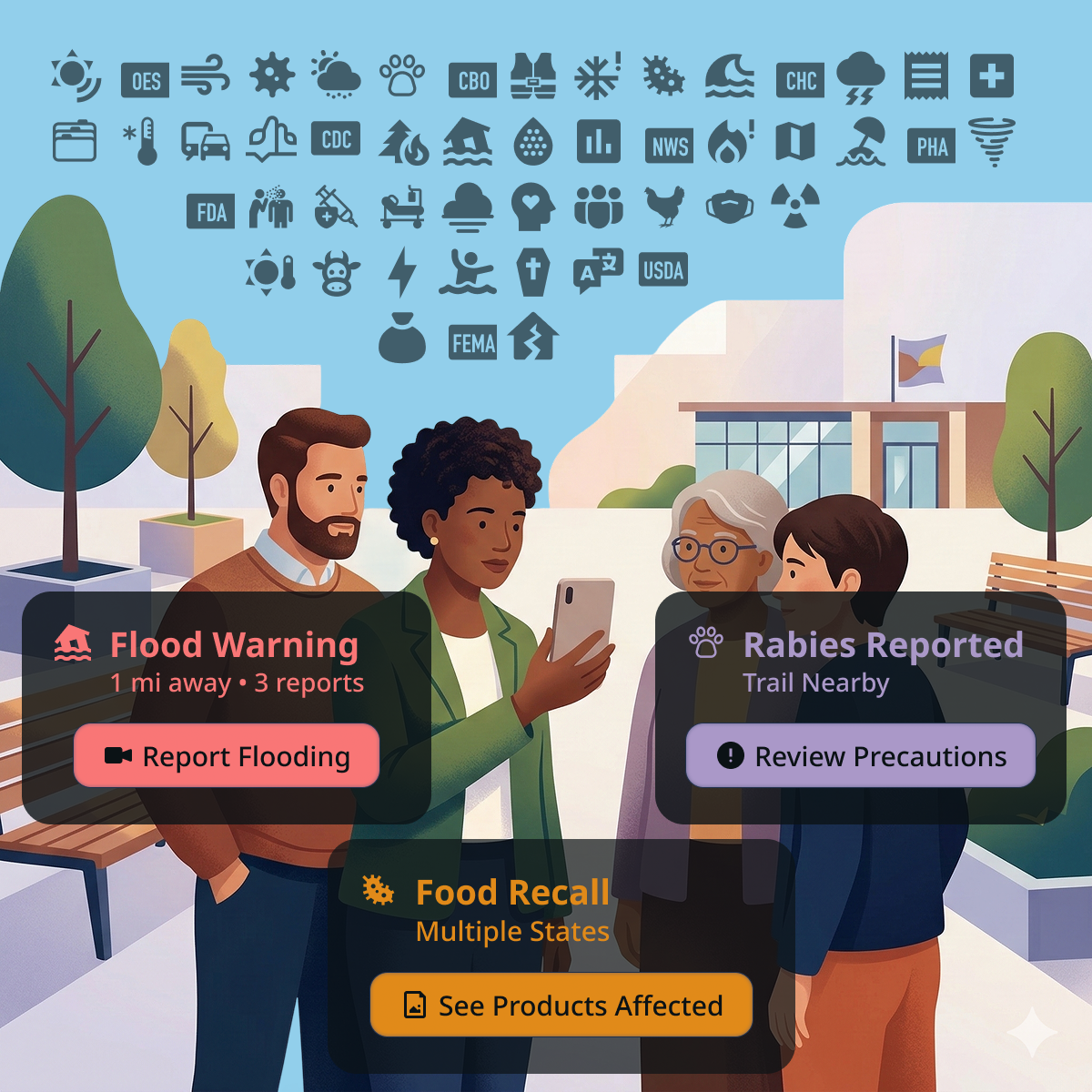
Make your existing channels more useful.
PHapp® adds a stable multilingual destination behind the alerts, websites, social posts, SMS messages, flyers, and partner outreach your county already uses. Keep your current tools and use PHapp® to give residents one place for local guidance and next steps.
Start with these five steps.
Your team does each of these itself in Portal by Hub. Each step links to a help article with the details.
-
Join your agency's team in Portal
Sign in at portal.hub.inc with your work email, find your agency and ask to join. If a colleague already uses Portal, they can invite you instead.
-
Add your logo and contact details
An Admin adds your logo, a cover photo and the address, phone and website your flyers print. Residents see your logo on your agency's page in PHapp®.
-
Invite your team
Invite colleagues as Admins or Viewers, and answer requests to join, from People.
-
Share your link, flyers and website embed
Copy your community's link, make flyers in the languages your residents read and put your current alerts on your own website. The toolkit below adds social posts and app screenshots.
-
Post updates for residents
Post local news with a photo or video, such as where cooling centers are open this week, and choose which communities see it.
Counties and tribes
Every Arizona county is already live.
PHapp® is on for residents in all 15 Arizona counties today, though many communities don't know it yet. Your county already has a page, and the next step is making sure residents can find it. Share your county link in flyers, social posts, websites, SMS messages, press releases and partner outreach, so residents reach their local resources and verified information:
- Apache County
- Cochise County
- Coconino County
- Gila County
- Graham County
- Greenlee County
- La Paz County
- Maricopa County
- Mohave County
- Navajo County
- Pima County
- Pinal County
- Santa Cruz County
- Yavapai County
- Yuma County
Available free for all 22 tribal nations in Arizona.
When your nation's health team joins Portal by Hub, members can find your agency's page in PHapp® with your logo and read the updates your team posts, in the app or on the web. PHapp® also carries alerts from sources such as the National Weather Service, with text alerts in beta. PHapp® is free for every federally recognized tribal nation in Arizona, and it asks your nation for no data about your members (see the FAQ below).
Your health team opts in from Portal. Sign in at portal.hub.inc with a work email address, search for your nation's health department or tribal agency, and ask to join it. If it isn't listed, add it from the same search. Two things need Hub. If nobody from your nation is on Portal yet, or you added your organization yourself, the Hub team reviews your request. And if your nation's area isn't set up in Portal yet, Hub sets it up, because your posts, link and flyers depend on it. After that, your team does the rest itself. See how to ask for access. Any of these nations can opt in:
- Ak-Chin Indian Community
- Cocopah Indian Tribe
- Colorado River Indian Tribes
- Fort McDowell Yavapai Nation
- Fort Mojave Indian Tribe
- Gila River Indian Community
- Havasupai Tribe
- Hopi Tribe
- Hualapai Tribe
- Kaibab Band of Paiute Indians
- Navajo Nation
- Pascua Yaqui Tribe
- Pueblo of Zuni
- Quechan Tribe (Fort Yuma)
- Salt River Pima-Maricopa Indian Community
- San Carlos Apache Tribe
- San Juan Southern Paiute Tribe
- Tohono O'odham Nation
- Tonto Apache Tribe
- White Mountain Apache Tribe
- Yavapai-Apache Nation
- Yavapai-Prescott Indian Tribe
Nationwide entry point: ph.app.
Add PHapp® to the outreach you already do.
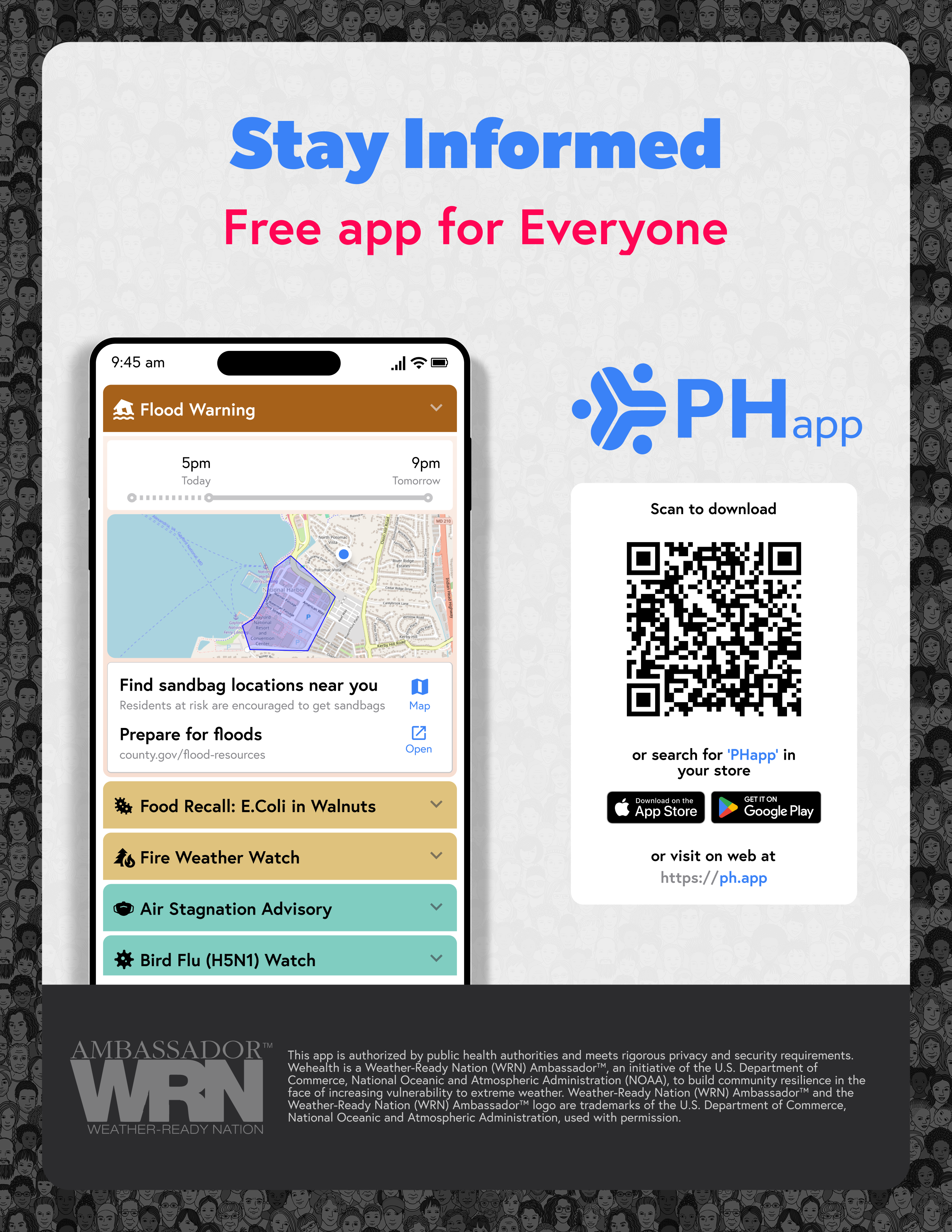
Use ready-made assets in your current channels: alert tools, agency websites, social posts, partner messages, newsletters, flyers, QR codes, and community events.
The marketing toolkit includes PHapp® links, ready-to-share social posts, print flyers in English and Spanish, the official PHapp® logo, app screenshots, embeddable widgets, and editable Figma source files.
For flyers with your own community's name, link and QR code, in up to 10 languages at a time, use Promote in Portal by Hub.
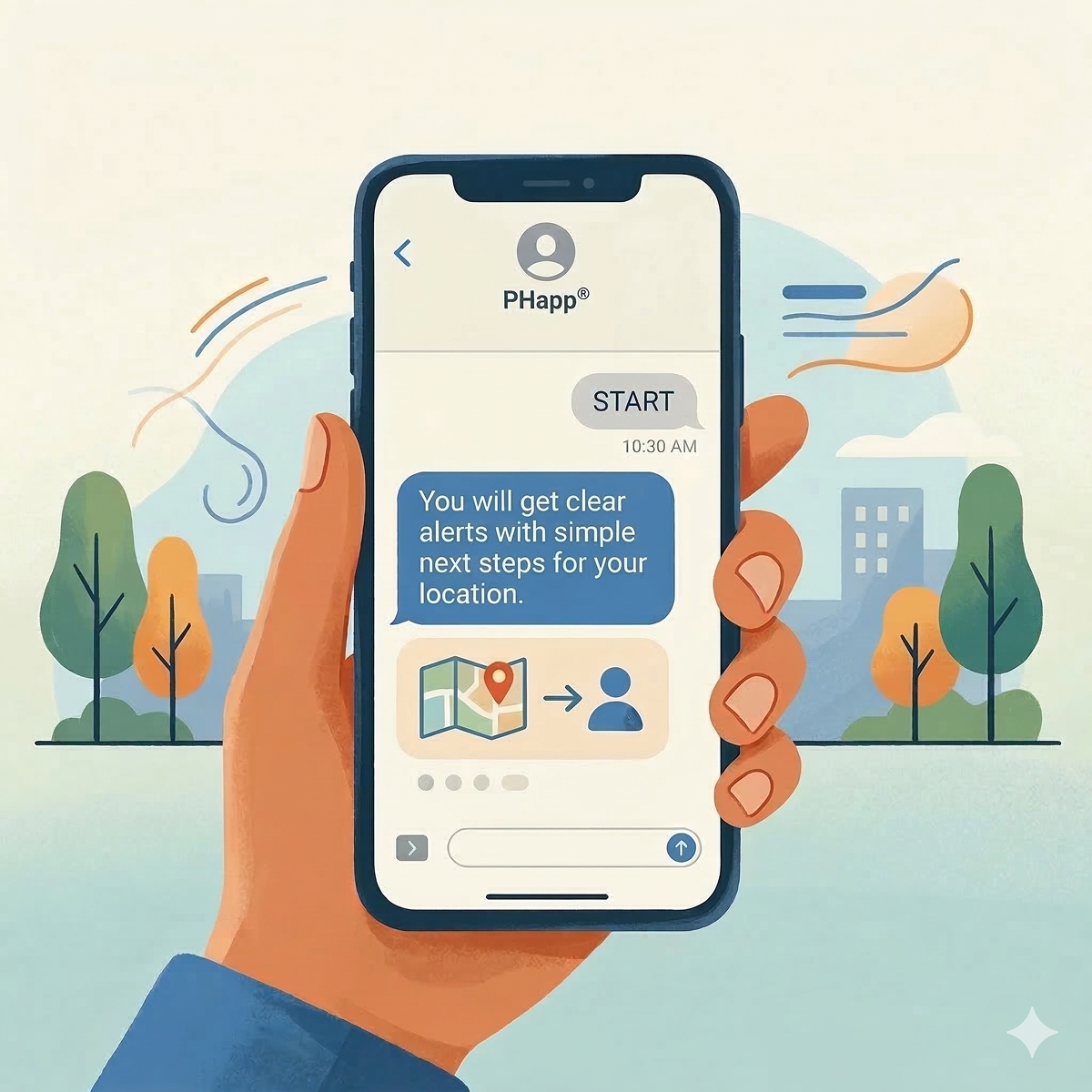
Add SMS for residents who need the simplest path.
PHapp® can send verified updates by text, in the language each resident chooses. Text alerts are in beta. Residents don't need an app, an account or a sign-in.
Use SMS alongside your existing channels for day-to-day updates. Promote the SMS sign-up link alongside the app at clinics, bus stops, libraries, community events, and partner sites.
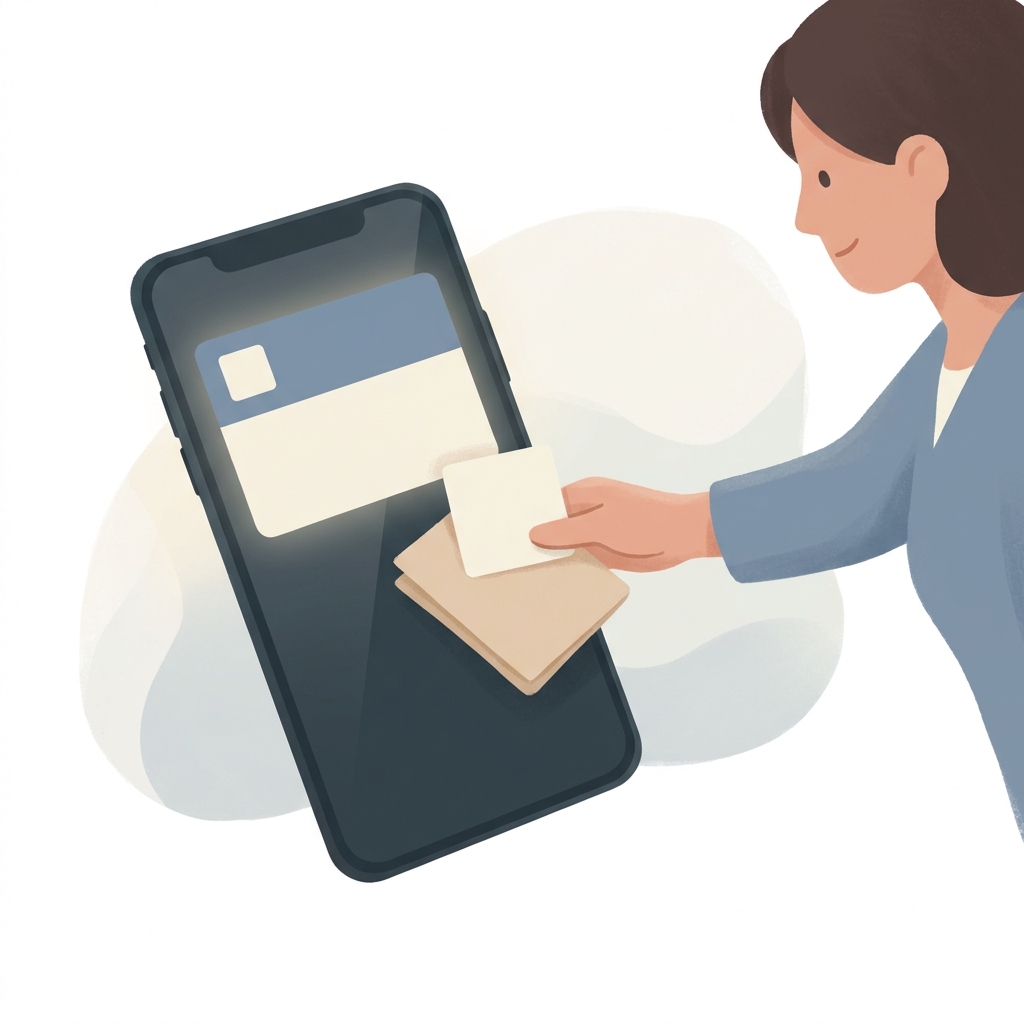
Make your page yours in Portal by Hub.
Your logo, your team, your flyers and your posts no longer need a request to Hub. Your agency's Admins do them in Portal.
In Portal you can:
- Add your logo, a cover photo and the contact details your flyers print, under Promote.
- Invite colleagues as Admins or Viewers, and answer requests to join, under People.
- Copy your link, make flyers and set up a website embed, under Promote.
- Post updates with a photo or video under Content, and choose which communities see them and when they end.
A few things still go through Hub. Ask for them through Ask Hub in Portal's menu: PHapp®'s list of local places such as cooling centers and shelters, changes to PHapp®'s standard guidance for an alert, and the areas your agency covers.
Built for agencies with and without alert tools.
PHapp® adds a stable multilingual destination behind the alerts, websites, social posts, SMS messages, flyers, and partner outreach your county already uses.
For agencies with existing alert tools, PHapp® gives residents one place for local guidance and next steps after the message. For agencies still building public outreach, PHapp® can also serve as the primary resident-facing alerts and guidance channel.
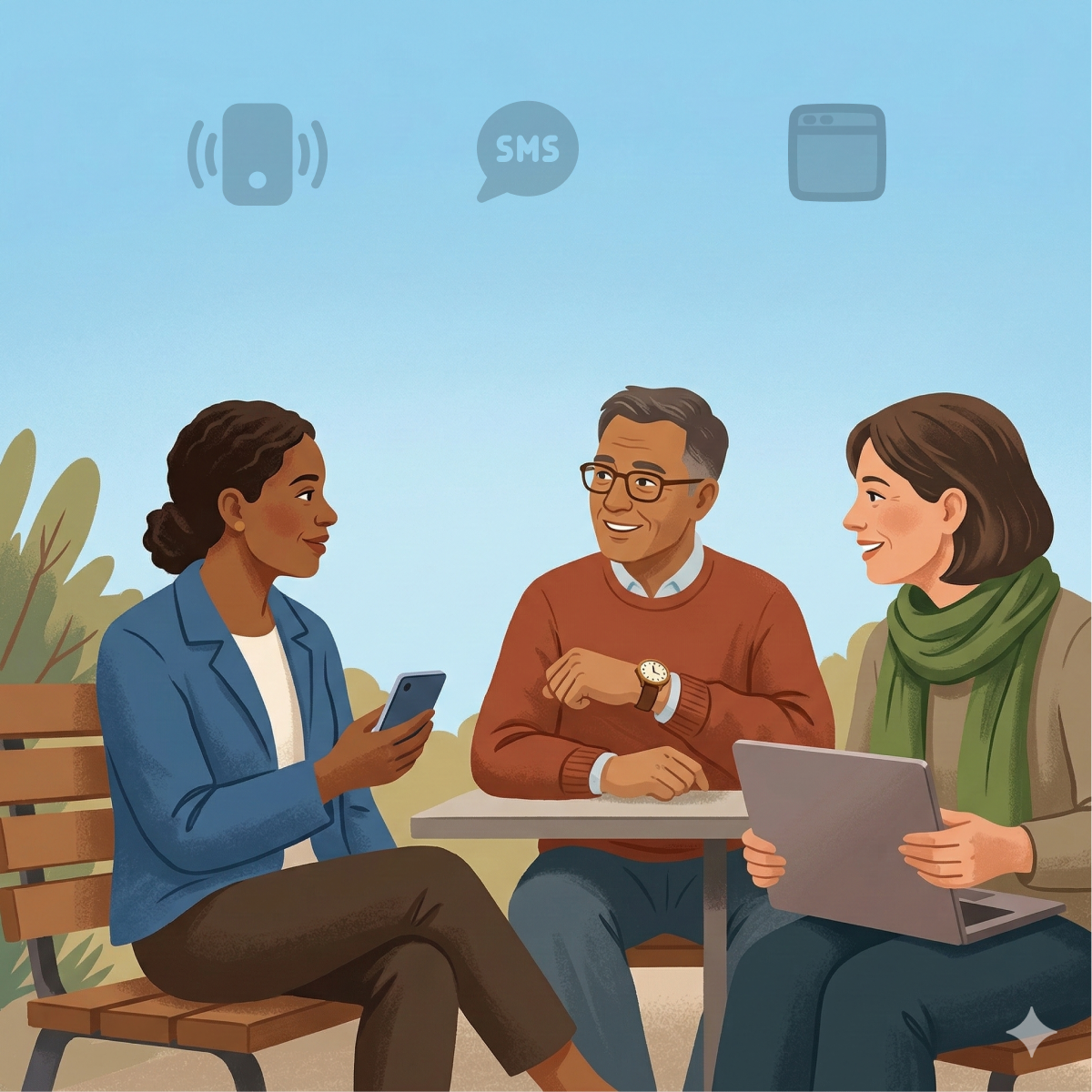
What residents and agencies can use.
PHapp® gives each county a stable public destination that can be shared, embedded, translated, and promoted across the channels your residents already use.
- Stable county links give residents one shareable destination for local guidance and next steps.
- Residents can use the app or the web, with text alerts in beta, and choose the path that fits them.
- Alerts are available in 50+ languages. Humans review and improve them in real time.
- Website embeds put PHapp® content on agency-owned pages.
- PHapp® is free for residents and agencies, with no lock-in.
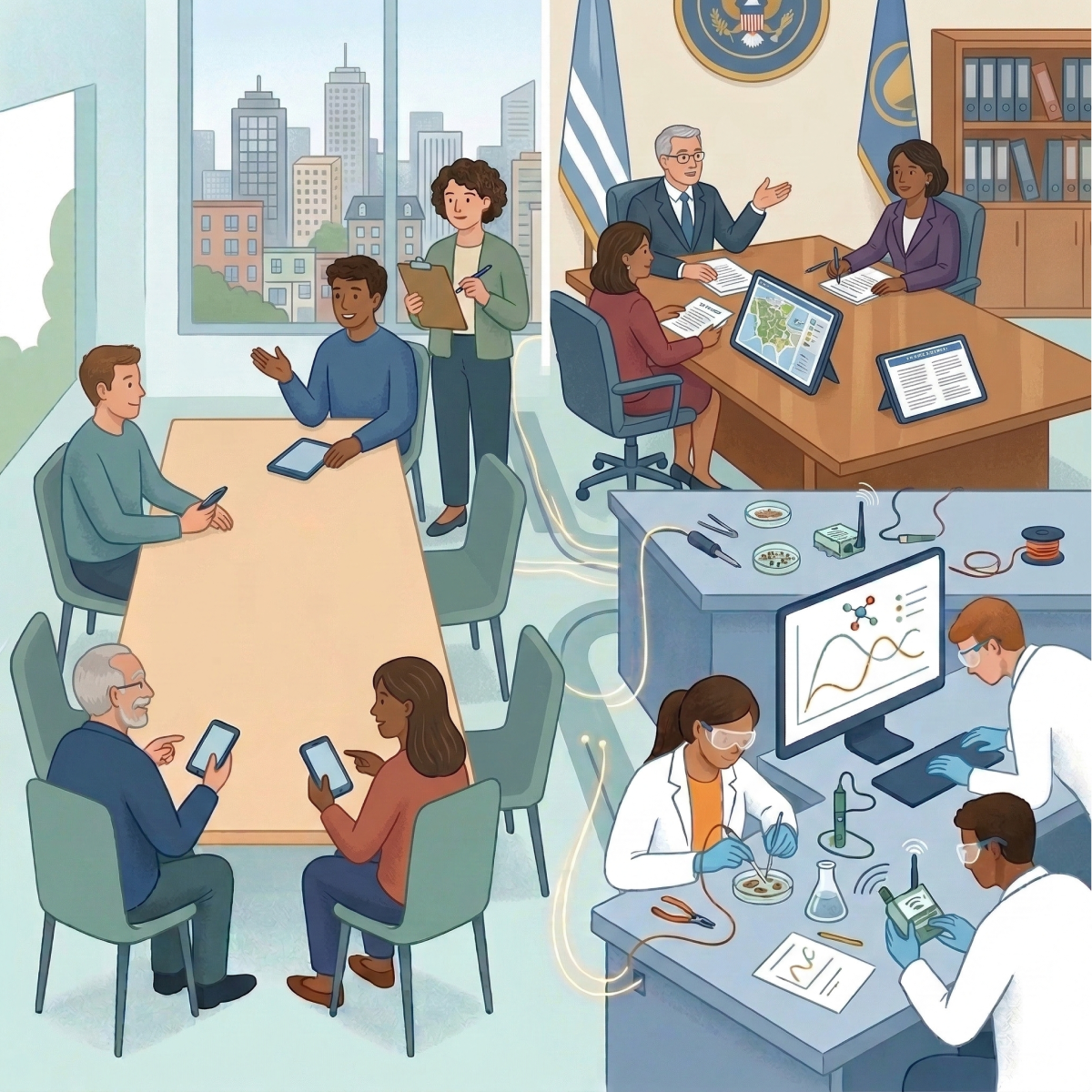




- 3,000+
- Communities servedCounties across the US
- 50+
- LanguagesAlerts are available in 50+ languages. Humans review and improve them in real time.
Built with Arizona collaborators.
PHapp® is built in collaboration with the University of Arizona and the Arizona Department of Health Services. Hub Public Benefit Corp is also a NOAA Weather-Ready Nation Ambassador™, and we support the rollout in every Arizona county.
Weather-Ready Nation Ambassador™ and the Weather-Ready Nation Ambassador™ logo are trademarks of the U.S. Department of Commerce, National Oceanic and Atmospheric Administration, used with permission.
Programs your agency can use.
NOAA Weather-Ready Nation Ambassador™
Hub Public Benefit Corp is a NOAA Weather-Ready Nation Ambassador™. Multilingual extreme-weather guidance can reach residents through PHapp® alongside official NWS sources.
About the WRN programNational Preparedness Campaign
Free year-round preparedness materials in 50+ languages for every PHapp® agency. Enroll your county and get drop-in social, print, and digital assets.
Join the campaignWehealth® Forum
The Forum brings together people from government, academia, nonprofits, and volunteer organizations to help shape public health and safety tools. Members get early access to upcoming releases, give feedback, and take part in research.
About the Forum
Questions from counties and tribal nations
Does PHapp® collect data from our tribe?
PHapp® asks your nation for no data about your members, and it never sells what it learns or uses it for advertising. Members can read alerts without an account. Your health team sees counts of what is read and shared, never which member read what. PHapp® also keeps each member's reading history so it can show them what is new, linked to their account, or to the anonymous account PHapp® uses on their device when they have not signed in. If a member creates an account or signs up for text alerts, PHapp® keeps what it needs to provide that service to them. We use this information only to run and improve PHapp® for your members, in service of your community's health. Members can delete their data themselves at any time in PHapp®'s settings.
What do members get when our nation opts in?
Your agency's own page in PHapp®, with your logo, and the updates your health team posts for members. Members also get alerts from sources such as the National Weather Service. They can use PHapp® in the app and on the web, with text alerts in beta. Alerts are available in 50+ languages. Humans review and improve them in real time.
Is PHapp® really free?
Yes. PHapp® is free for every Arizona county and tribal nation, with no lock-in.
Our county is listed as already live. What do we do?
PHapp® is already on for your residents today. Most counties just need to let residents know it exists and promote it. Use the steps above to join your agency's team in Portal by Hub, add your logo, make flyers and share your county link across your channels.
How does a tribal nation opt in?
Your health team opts in from Portal by Hub. Sign in at portal.hub.inc with a work email address, search for your nation's health department or tribal agency and ask to join it, or add it if it isn't listed. If nobody from your nation is on Portal yet, or you added your organization, the Hub team reviews the request, and Hub sets up your nation's area if it isn't set up already. After that, your team adds its logo, invites colleagues, makes flyers and posts updates itself. There is no cost to opt in. See how to ask for access.
Need help with your rollout?
The Hub Support Center has step-by-step help for each thing your team does in Portal by Hub. For local resources, changes to PHapp®'s standard guidance or your agency's areas, ask through Ask Hub.